

Losing the case is the one problem Bose earbuds don’t warn you about. One moment it’s on your desk or in your bag, and the next it’s gone, leaving you with earbuds you can’t charge. I’ve dealt with this a few times, and the options are much simpler than they seem. If you’re trying to find Bose earbuds case, there are only a few official paths that actually work, and they’re all from Bose themselves. In this guide, I’ll walk you through those exact methods in a clear, realistic way, and help you decide when it’s still worth searching and when it’s time to move to a safe replacement.
Quick Answer:
You can’t track a Bose earbuds case directly. On supported models, the only official option is to use the Bose app to see the earbuds’ last known location, which may lead you back to where you left the case. If the earbuds are offline or out of battery, there is no official way to find the case, and Bose’s supported solution is to use an official replacement case that matches your exact model.
How to find lost Bose earbuds case using the Bose app
This is the only official method Bose provides to help locate the earbuds, which may lead you back to the case.
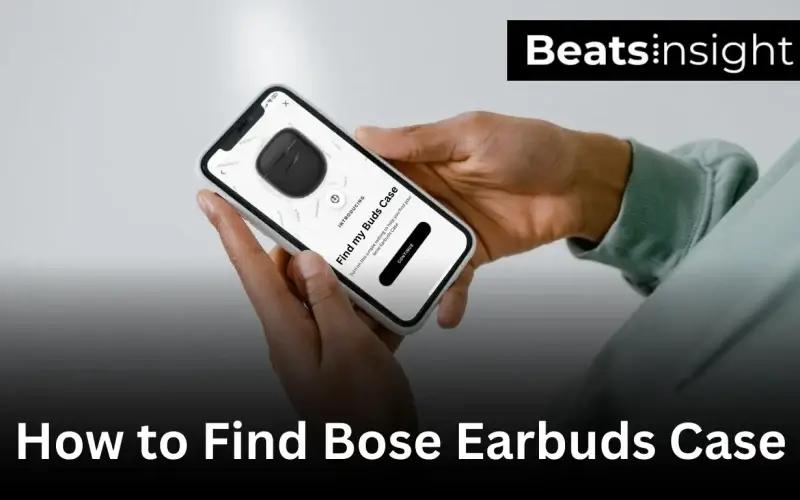
Using the Bose app to find your Bose earbuds case
Only one Bose earbud model supports location tracking: Bose SoundSport Free. These earbuds work with the Bose Connect app, which can show their last known location. If the earbuds were inside the case when they disconnected, the map can help you find the case.
- Install and open the Bose Connect app on your phone.
- Select SoundSport Free from the device list.
- Tap the menu icon and choose Find My Buds.
- Check the map for the last known location of your earbuds.
- Go to that location and look for the case.
Important: Bose’s newer earbuds — including QuietComfort Earbuds, QuietComfort Earbuds II, and QuietComfort Ultra Earbuds — do not support any form of location tracking or last-seen data.
All products on Beats Insight are chosen by our experts independently, but we may earn a commission on purchases made through our links. See our full disclosure here.

Bose Headphones 700
Noise Cancelling Wireless Headphones with Built-in Microphone

Sony WH-1000XM5 Premium Noise Canceling
Auto NC Optimizer, 30-Hour Battery, Alexa Voice Control
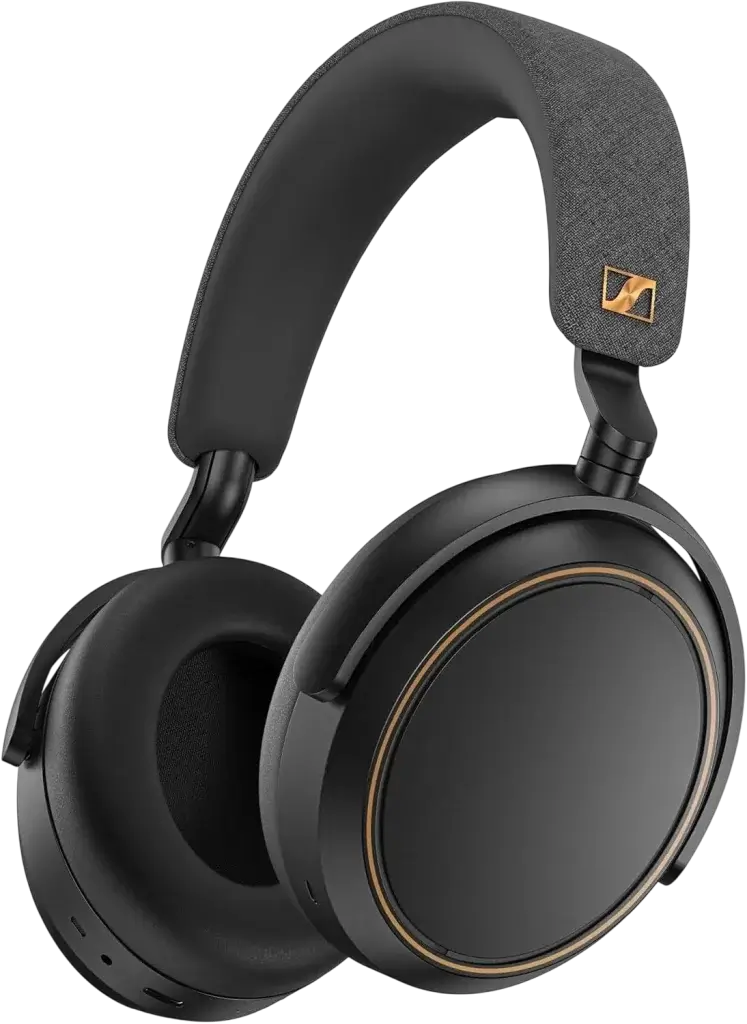
Sennheiser Momentum 4 Bluetooth Headset
Crystal-Clear Calls, Adaptive Noise Cancellation, 60h Battery Life
What the Bose app cannot do
The Bose app cannot track the earbuds in real time. It only shows the last location where the earbuds were connected, and this is limited to the SoundSport Free model. The app cannot detect the charging case at all, even if the earbuds were inside it. If the earbuds are out of battery, unpaired, or out of Bluetooth range, the app cannot update their location. There is no option to play a sound, refresh the location, or scan for the case. newer Bose models do not support any type of location history.
What to do if the Bose app shows your earbuds as offline
When the earbuds appear offline, the app cannot update their location. You’ll need to check the last known location shown in the app.
- Open the Bose Connect app.
- Select SoundSport Free from the device list.
- Check the Last Connected Location displayed on the device screen.
- Go to that location and search the areas where you last used the earbuds or the case.
- Try opening the case or removing the earbuds to trigger a reconnect. If the earbuds still don’t respond, follow our guide on turning on Bose earbuds.
- If they remain offline, no further location data is available.
If the earbuds still don’t reconnect and the case is missing, you’ll need to look at Bose replacement accessories as the next option.
Replacing a lost Bose earbuds case
If you can’t find the case and the earbuds stay offline in the Bose app, the only supported option is to use an official replacement. Bose sells charging cases for specific models, and these cases are the only ones guaranteed to charge the earbuds correctly and support firmware updates. Go to the Bose Accessories section, select your earbuds model, and look for the charging case listed under replacement parts. Make sure the case matches your exact model number. If the earbuds do not charge after using the new case, you can rule out contact issues by cleaning your Bose earbuds. If you need a Bose lost earbud case replacement, third-party cases won’t work reliably, so an official Bose case is the only safe choice.
FAQs about Bose earbuds case
Bose earbuds cannot be charged without the case. The charging case is the only component that provides power, and there is no cable, adapter, or wireless pad that can charge the earbuds directly.
Find My Buds is only available for the Bose SoundSport Free in the Bose Connect app. You can find it by selecting the earbuds in the app and opening the menu to view the location feature.
You cannot track the QuietComfort Earbuds II through the Bose Music app. This model does not support location tracking, so you must check the places where you last used or paired the earbuds. If they still won’t connect after you locate them, follow our steps on syncing Bose headphones.
It is not recommended to buy Bose cases from third-party sellers. Many third-party cases cannot charge the earbuds correctly or support firmware updates, so only official Bose cases are reliable.
Bose does not offer discounts for lost charging cases. Replacement cases must be purchased at full price through the official Bose accessories store.