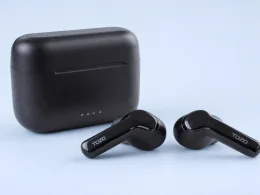




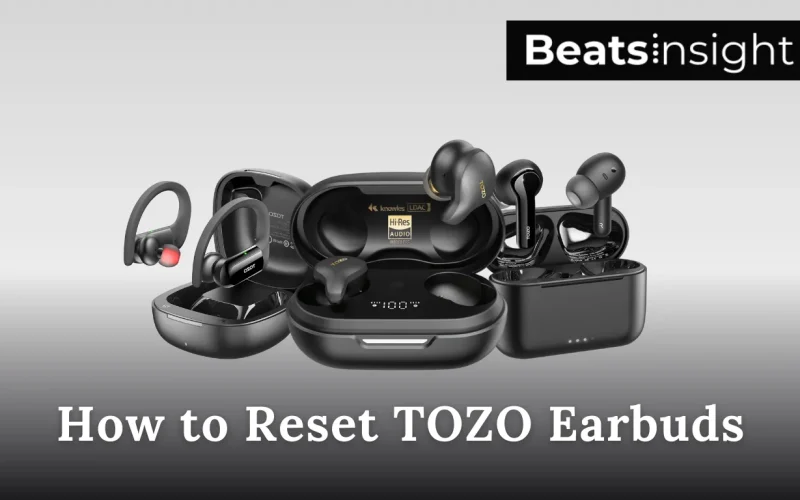
One TOZO earbud playing while the other stays silent usually means the buds lost their stereo link or your phone is holding onto an old Bluetooth pairing. A factory reset clears the saved connection on both earbuds so you can re-pair them as a set and restore normal syncing. Here’s how to reset Tozo earbuds.
Quick Answer:
Put both TOZO earbuds in the charging case and leave the lid open. On your phone, open Bluetooth settings and Forget/Remove the TOZO device so it can’t reconnect during the reset. Take both earbuds out, then press and hold the touch area on each earbud at the same time until the earbuds reset (you’ll see the LEDs flash and the connection will drop), then place them back in the case for 10 seconds. Take them out again and pair fresh by selecting TOZO in your Bluetooth list, when it connects as one device, both earbuds should play audio.
Before You Reset (Do This First)
Charge the earbuds and the case, low battery can make the reset look like it failed. Put both earbuds in the case and leave the lid open so they start from the same state. On your phone, open Bluetooth settings and Forget/Remove the TOZO entry so it can’t reconnect during the reset. If your phone keeps auto-connecting, turn Bluetooth off until you finish and re-pair.
How to Factory Reset TOZO Earbuds
A factory reset is the fastest way to fix TOZO earbuds that won’t pair, won’t sync, or only play on one side. Use the steps below to reset TOZO earbuds and re-pair them as a single device.
- Put both earbuds in the charging case and leave the lid open.
- On your phone, open Bluetooth settings and Forget/Remove the TOZO device.
- If your phone keeps auto-connecting, turn Bluetooth off until you finish the reset.
- Take both earbuds out of the case so they’re in the same state.
- Press and hold the touch area on both earbuds at the same time until they reset/power cycle (you’ll see the LEDs change/flash and the connection will drop).
- Place the earbuds back in the case for 10 seconds, then take them out again.
- Turn Bluetooth back on and pair again by selecting TOZO from your Bluetooth list.
- Confirm it worked: TOZO should connect as one device and audio should play through both earbuds.
If step 5 doesn’t trigger a reset, your TOZO model uses a different reset gesture, use the model-specific reset method below.
If you need to confirm your exact model before following the steps, check the official TOZO user manuals and quick guides.
Model-specific reset guides:
- TOZO NC9: Reset steps
- TOZO NC2: Reset steps
- TOZO T10: Reset steps
- TOZO T6: Reset steps
- TOZO A1: Reset steps
All products on Beats Insight are chosen by our experts independently, but we may earn a commission on purchases made through our links. See our full disclosure here.
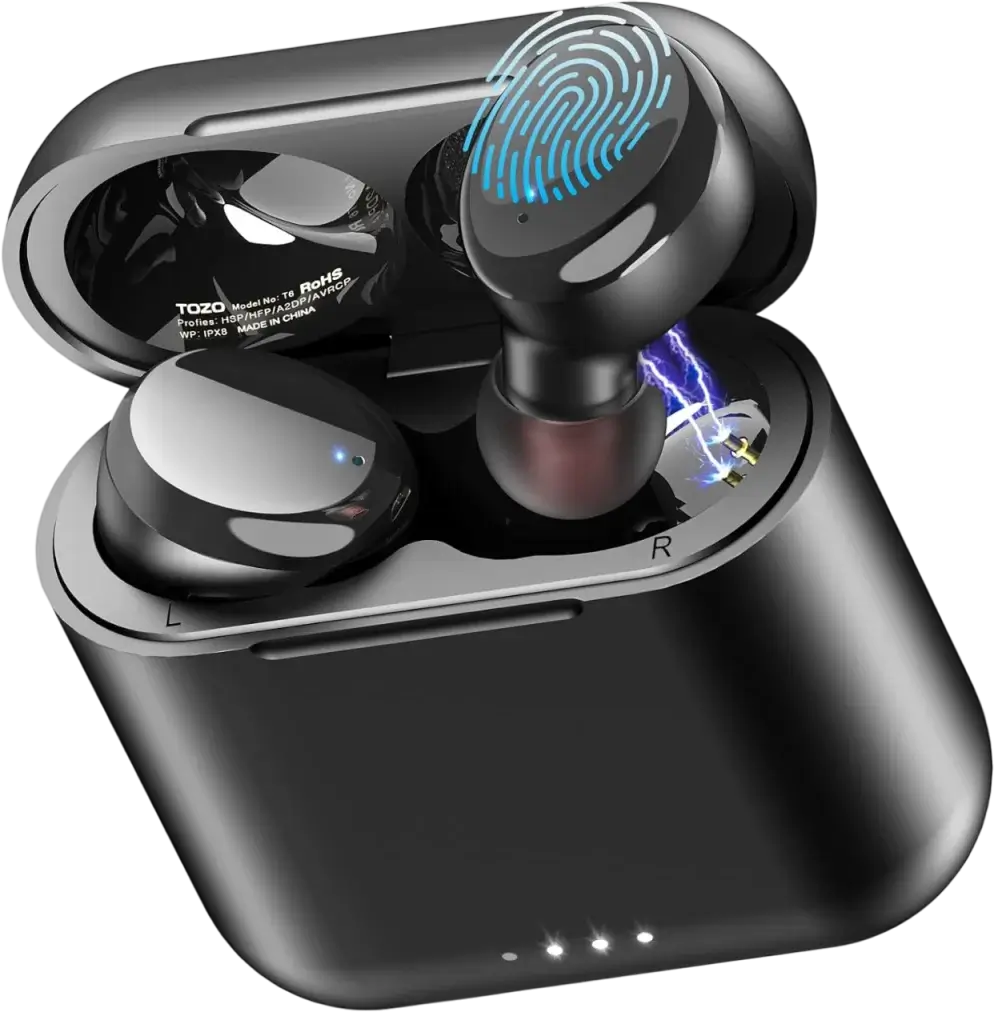
TOZO T6 Wireless Earbuds
Bluetooth 5.3, 45H Long Playtime, IPX8 Waterproof
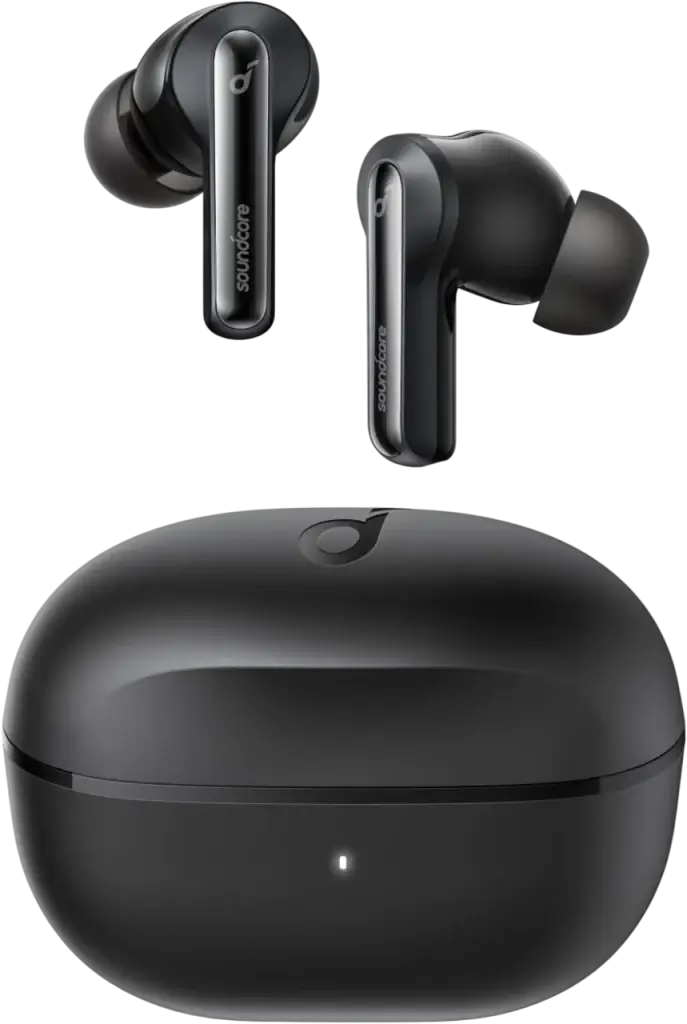
Soundcore Life P3i
Hybrid Active Noise Cancelling Bluetooth Wireless Earbuds Black
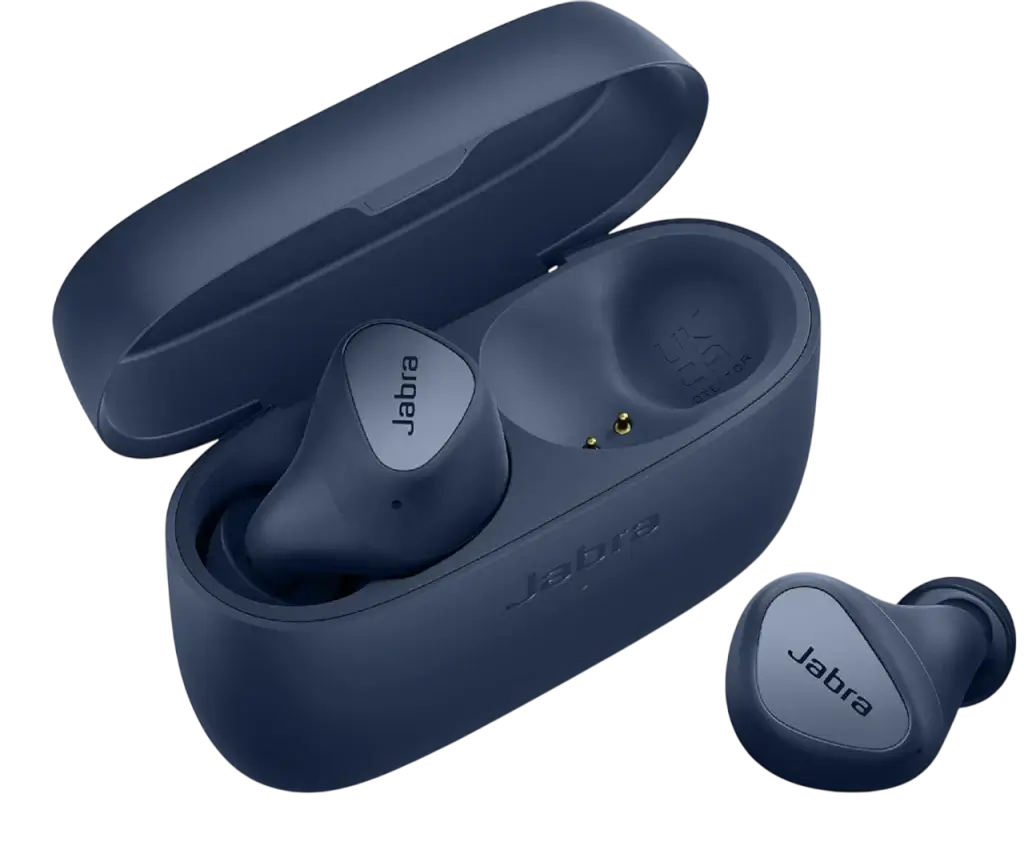
Jabra Elite 4
ANC Headphones – Discreet & Comfortable
How to Pair TOZO Earbuds After a Factory Reset
After a reset, your phone needs to treat the earbuds like a brand-new device. The goal is simple: connect once, then let the second earbud sync so you end up with one Bluetooth connection and audio in both ears.
- Turn Bluetooth on and keep the earbuds within 1–2 feet of your phone.
- In Bluetooth settings, delete any old TOZO entry (tap Forget/Unpair if you still see it).
- Take both earbuds out of the case and wait for pairing mode (LEDs typically flash).
- Tap TOZO in the Bluetooth list to connect.
- If you see two TOZO entries, connect to one only, then wait 5–10 seconds for the other earbud to sync.
- Confirm it’s correct: TOZO should show as one connected device, and sound should play through both earbuds.
After the reset, use our step-by-step pairing guide if your TOZO earbuds won’t show up in Bluetooth, connect as two devices, or only one earbud plays.
How to Fix TOZO Earbuds When Only One Side Works
When only one TOZO earbud plays, your phone is paired to a single earbud instead of the stereo pair. Fix it by removing the old Bluetooth connection, resetting both earbuds together, then pairing again as one device.
- Open Bluetooth settings and Forget/Remove TOZO. If you see two TOZO entries, remove both.
- Put both earbuds in the charging case and leave the lid open, then turn Bluetooth off to stop auto-reconnect.
- Take both earbuds out and reset them at the same time using the factory reset steps above.
- Put the earbuds back in the case for 10 seconds, then take them out again.
- Turn Bluetooth back on and pair TOZO. If your phone shows two TOZO options, connect to one and wait a few seconds for the second earbud to sync.
Done: TOZO appears as one connected device and audio plays through both earbuds.
FAQs about resetting Tozo Earbuds
TOZO earbuds usually won’t connect because the phone is stuck on an old Bluetooth pairing or the earbuds are out of sync. Open Bluetooth settings and Forget/Remove TOZO, then reset both earbuds at the same time and pair again so TOZO connects as one device. Keep the earbuds close to the phone and make sure the earbuds and case are charged.
TOZO earbuds don’t have a separate reset button. The reset control is the touch panel/multi-function button on each earbud (the same area you tap for playback). To reset, use the touch controls on both earbuds together until they reset/power cycle, then pair again from your phone’s Bluetooth list.